
Web Hosting in Norwich

First published in 2012, rewritten in 2026 so the advice holds today.
If your website is slow, or it falls over during a busy sales period, hosting is usually the first thing to check. It sits underneath everything else you do online, and it's easy to ignore until something goes wrong. This guide covers what actually matters when choosing hosting for a Norwich business, whether you're running an online shop, a service site, or both.
Why this still matters for Norwich businesses
Norwich has a genuinely mixed economy, from large employers like Aviva, BBC East and the University of East Anglia through to a large number of independent retailers and service businesses. For most of them, the website is still the first point of contact a customer has with the business, so it needs to load fast and stay up.
Slow load times and downtime aren't just an inconvenience. Google has built page speed into its ranking signals for years, and since 2021 this has been formalised through Core Web Vitals, which measure things like loading speed and visual stability directly. A hosting problem can therefore quietly cost you both sales and search visibility at the same time.
Local hosting versus the alternatives
There's no single right answer here, but it helps to know what you're trading off:
| Option | Strength | Watch out for |
|---|---|---|
| Local Norwich provider | Direct contact, faster response when something breaks, understands local business context | Range of add-on services may be smaller than a global platform |
| National/international budget host | Low headline price, large scale | Support is often a generic queue, response times can be slow |
| Managed cloud platform (e.g. hosted Shopify, WooCommerce hosting) | Built-in scalability, less server management for you | Less flexibility, ongoing platform fees |
For many SMEs without in-house IT, the value of a local provider is less about the server itself and more about being able to speak to someone quickly who understands your setup.
What to check before you sign up
- Reliability: look for an uptime guarantee of 99.9% or higher. At 99%, a site is effectively unreachable for over an hour and a half every week, which adds up fast during a promotion.
- Performance: ask what happens to load times under peak traffic, not just on a quiet day.
- Scalability: can you move up a package quickly if traffic grows, without a full migration?
- Security: SSL certificates, regular automated backups and DDoS protection should be standard, not optional extras.
- Support: confirm how you actually reach someone when something breaks, and how quickly. Multiple channels (phone, email, live chat) matter less than a fast, competent first response.
A Norwich case study
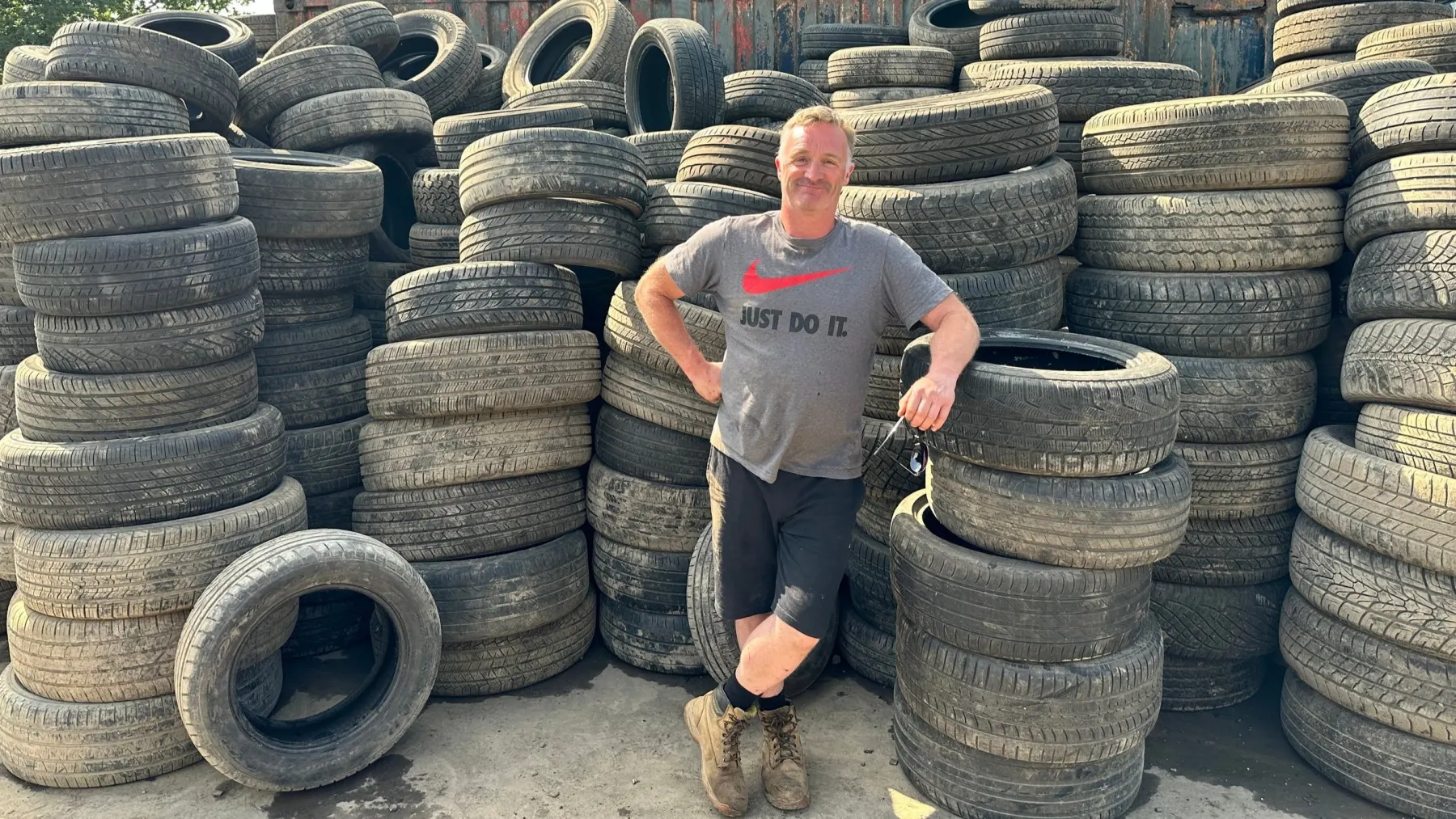
Take My Scrap Car, run by Luke Parfitt, is a good example of what a hosting move can fix. The business had been on a generic, low-cost hosting package for years and was dealing with slow load times and repeated downtime, both of which were hurting leads and search performance.
After moving to local Norwich-based hosting, the migration was straightforward and load times improved immediately. That, combined with more direct, personal support, led to a noticeable increase in online enquiries and gave the business room to keep scaling its hosting as traffic grew, without having to think about another migration.
Hosting jargon, plainly
If you're setting up or reviewing a site, these terms come up constantly:
- Domain name: the web address you tell people, e.g. yourbusiness.co.uk.
- Shared hosting: multiple sites sitting on one server, splitting the cost. Fine for smaller sites, but performance can be affected by other sites on the same server.
- Uptime: the percentage of time your site is actually live and reachable. Always ask what this figure is, and whether it's guaranteed.
- FTP: File Transfer Protocol, the standard way of moving files between your computer and the server. Still in use, though most modern platforms now handle updates through a dashboard rather than manual file transfer.
One note on the original version of this glossary: it recommended Microsoft FrontPage as a website editor. FrontPage was discontinued by Microsoft in 2003. Sites are now built and edited through platforms like WordPress, Shopify or dedicated page builders, which is worth knowing if you inherit an old site and someone mentions it.
What's changed since this was first written
A few things flagged as "future trends" in the original version of this article are now simply how hosting works:
- Cloud hosting is the default for most new sites rather than an emerging option.
- Automated monitoring and threat detection are standard features of decent hosting packages, not a selling point.
- Renewable-powered data centres are common among mainstream providers, so it's worth asking a provider directly rather than assuming.
The core advice from 2012 still holds up: know your uptime guarantee, understand what support you'll actually get when something breaks, and make sure your hosting can grow with you. Whether that comes from a Norwich-based provider or a larger platform depends on your size and how much hands-on support you need, but those checks apply either way.
Related

Key Considerations When Choosing a Web Hosting Service
Your website is more than just the online hub for your business. Today, your website is your business. Building and maintaining a credible online presence is not easy. Presentation, performance, functionality, UX, content, navigation and so on – all the kinds of technicalities that can make or break a website.

Moving Data To The Cloud? Points to Consider First
Cloud hosting is now standard for UK e-commerce, but security, uptime, backups and scalability still deserve proper scrutiny before you commit.

Your 10-Point Web Hosting Checklist – Leave No Box Unticked!
The essentials for choosing hosting for a UK online store in 2026, from uptime and PCI compliance to platform fit and support that actually responds.